
Comparing data helps to highlight the advantages and disadvantages and to examine strengths and weaknesses. It enables users to identify patterns, track performance over time, and make informed decisions. By analyzing similarities and differences, data comparison supports better problem-solving, strategic planning, and continuous improvement.
1. From the Dashboard landing page, select your preferred Dashboard under any platform. Then, click Compare to enter the required details.
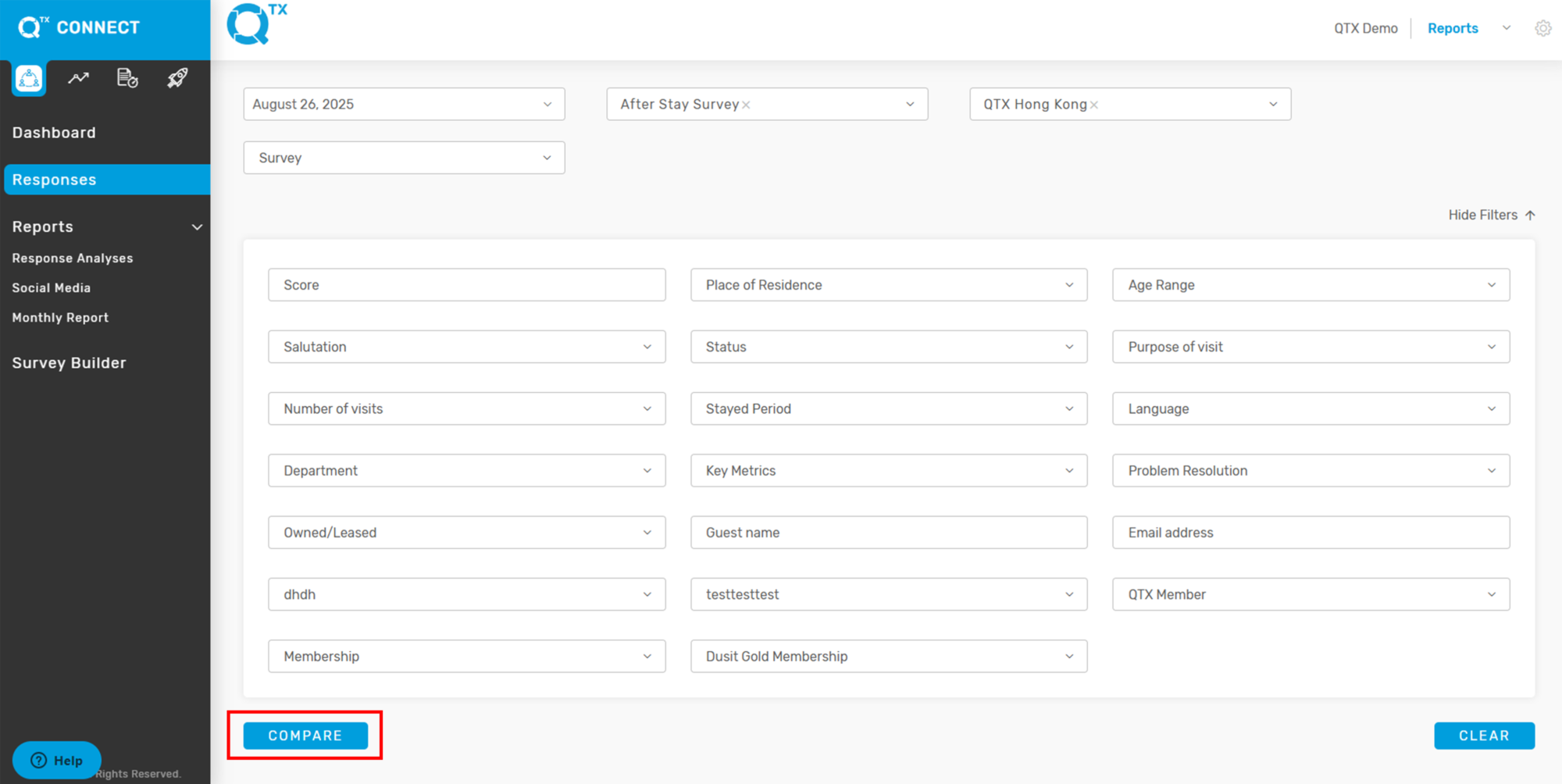
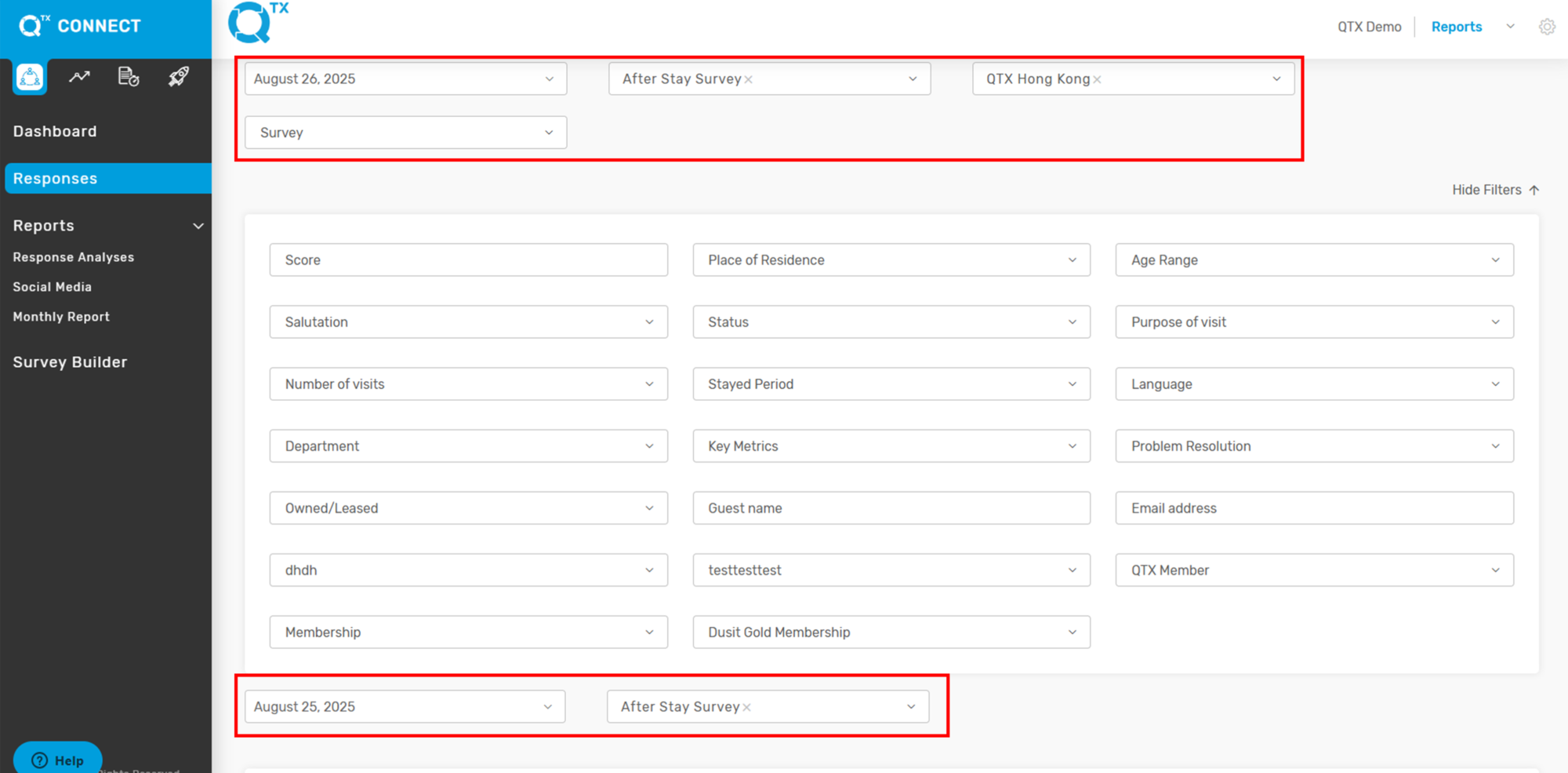
2. Fill in the details for Filter One by selecting the appropriate information from the list. Repeat the same steps to complete the data for Filter Two.
3. The system will generate and display the reports based on the applied filters

If you need further assistance, please send an email to helpdesk@q-tx.com