
Learn how to review and modify assessment attributes even after submission, including understanding system limitations and what changes are still allowed.
1. On the Dashboard landing page, click the “Perform” button.

2. Select “Encounter Reports” to view the list of available assessments.
Choose the assessment you wish to edit.

3. The inspector’s name will be displayed on the screen. Click on the name to open the completed encounter report.

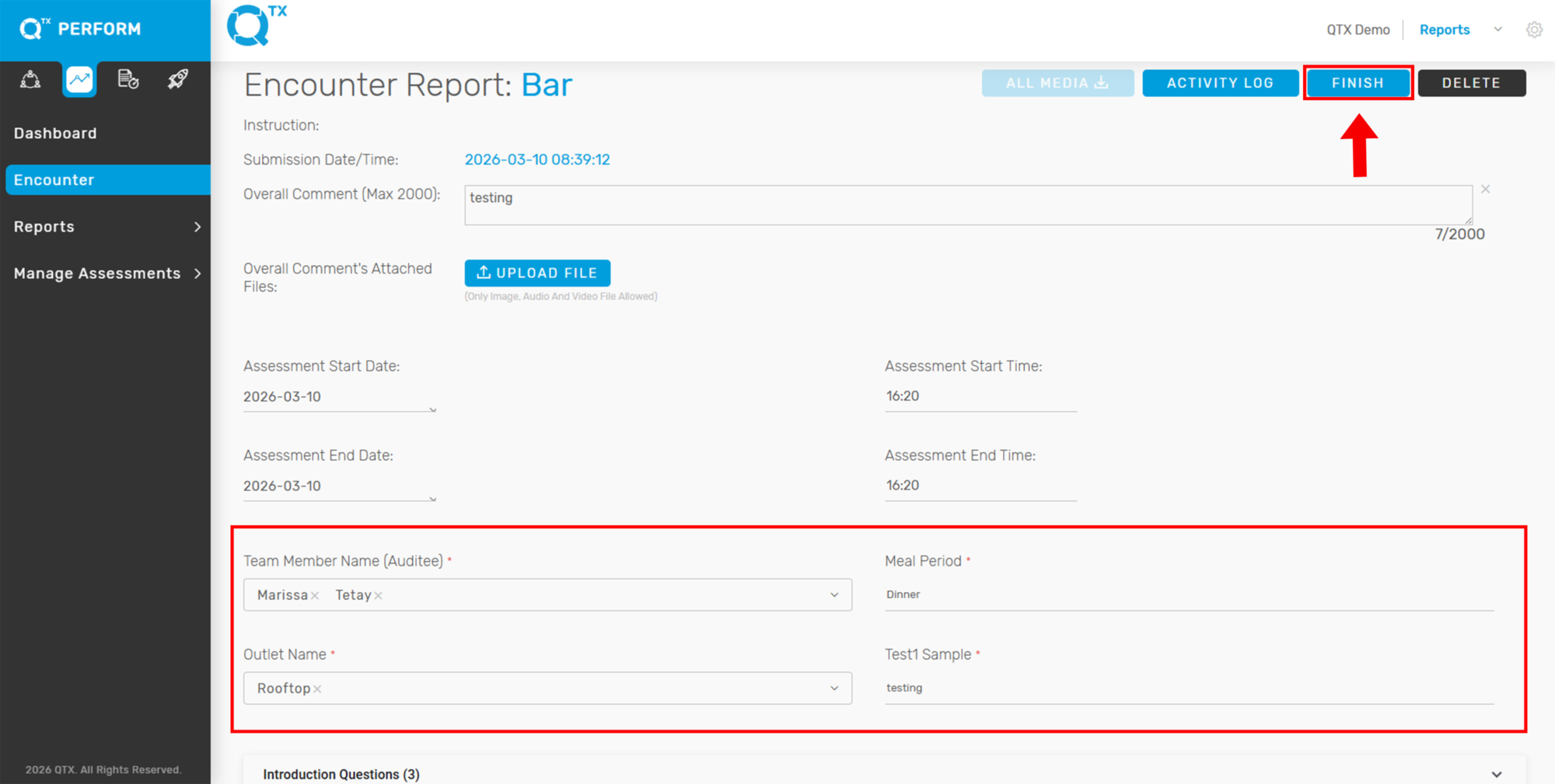
4. On the report page, click the “Edit” button.
Note: Edit access may be restricted and is not available to all users.

5. You can now modify the attributes as needed. Once done, click the “Finish” button to save your changes.
If you need further assistance, please send an email to helpdesk@q-tx.com