
Creating a new Question Category helps organize questions into specific groups, making assessments more structured and easier to manage.
1. On the Qualify Dashboard landing page, click the Settings icon located at the top right corner of your screen, then select “Manage Locations” from the dropdown menu.

2. The system will automatically direct you to the “Location” tab.

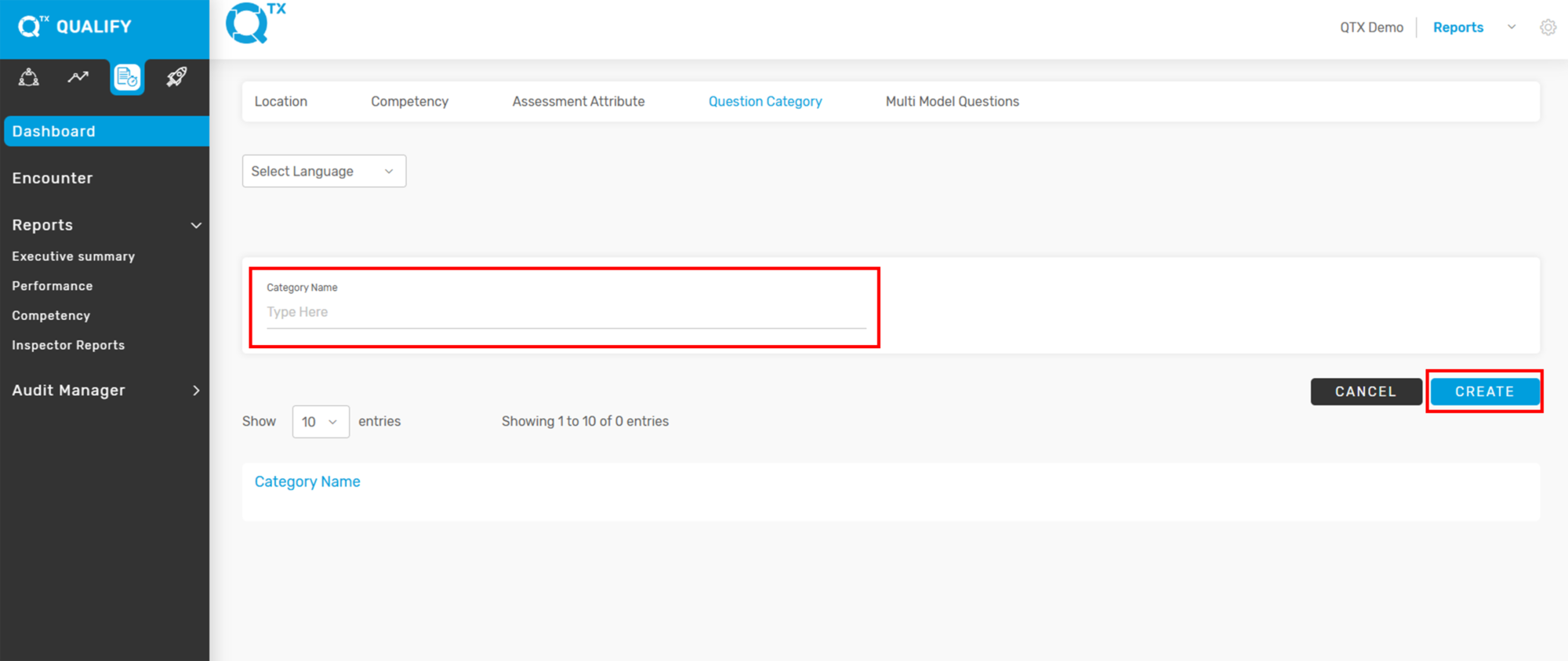
3. Click on the “Question Category” tab to view and manage existing categories.

4. Click “Add New” to start creating a new Question Category.

5. The user can start creating or adding a new “Question Category”, then click “Create” to save.
If you need further assistance, please send an email to helpdesk@q-tx.com