
The Mystery Shop Assignment module allows administrators to schedule and manage mystery evaluations for different service areas or departments.
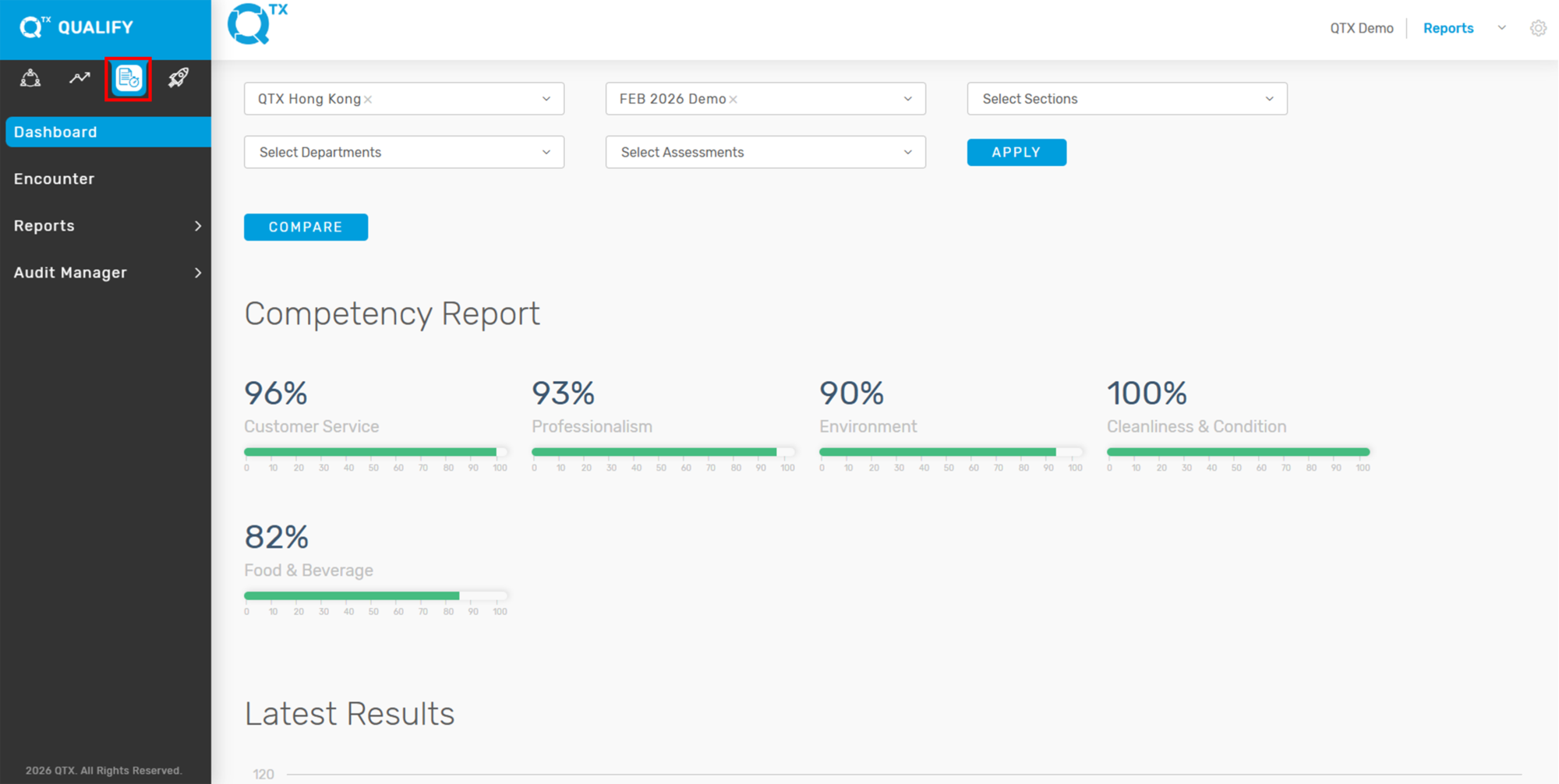
1. On the Dashboard landing page, click the “QUALIFY” button to proceed.
2. Go to the Audit Manager tab and select Assign & Review Audits.
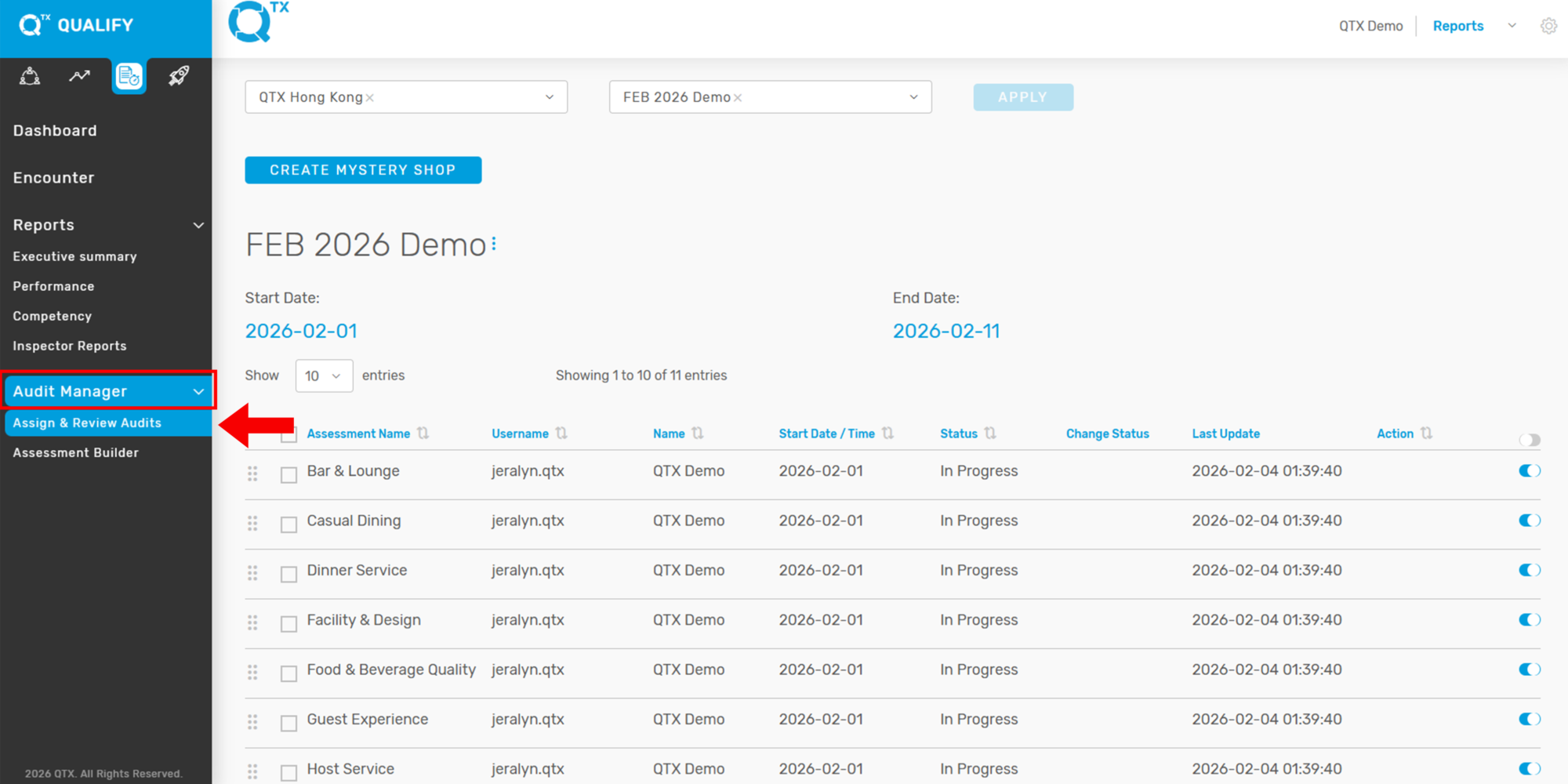
3. Use the filter to select the desired Assessment Period you want to extend, then click Apply.

4. Click the three dots (as shown by the arrow) to reveal the Edit and Delete options.

5. Select Edit, click the Dropdown arrow, update the End Date, and then click Save.

If you need further assistance, please send an email to helpdesk@q-tx.com