
Exporting a file allows the user to convert data from one file type into another format. Once the file is exported to the desired format (as indicated by its file name suffix), it can be opened and worked on in any application that recognizes and supports that format. A PDF format provides an electronic image of text, or text combined with graphics, that resembles a printed document and can be viewed, printed, and electronically transmitted.
1. After logging in, go to the Dashboard landing page. First, click Reports, and under Response Analyses, select the Problem Resolution tab.

2. Make sure to complete all the required information in the Filters section.

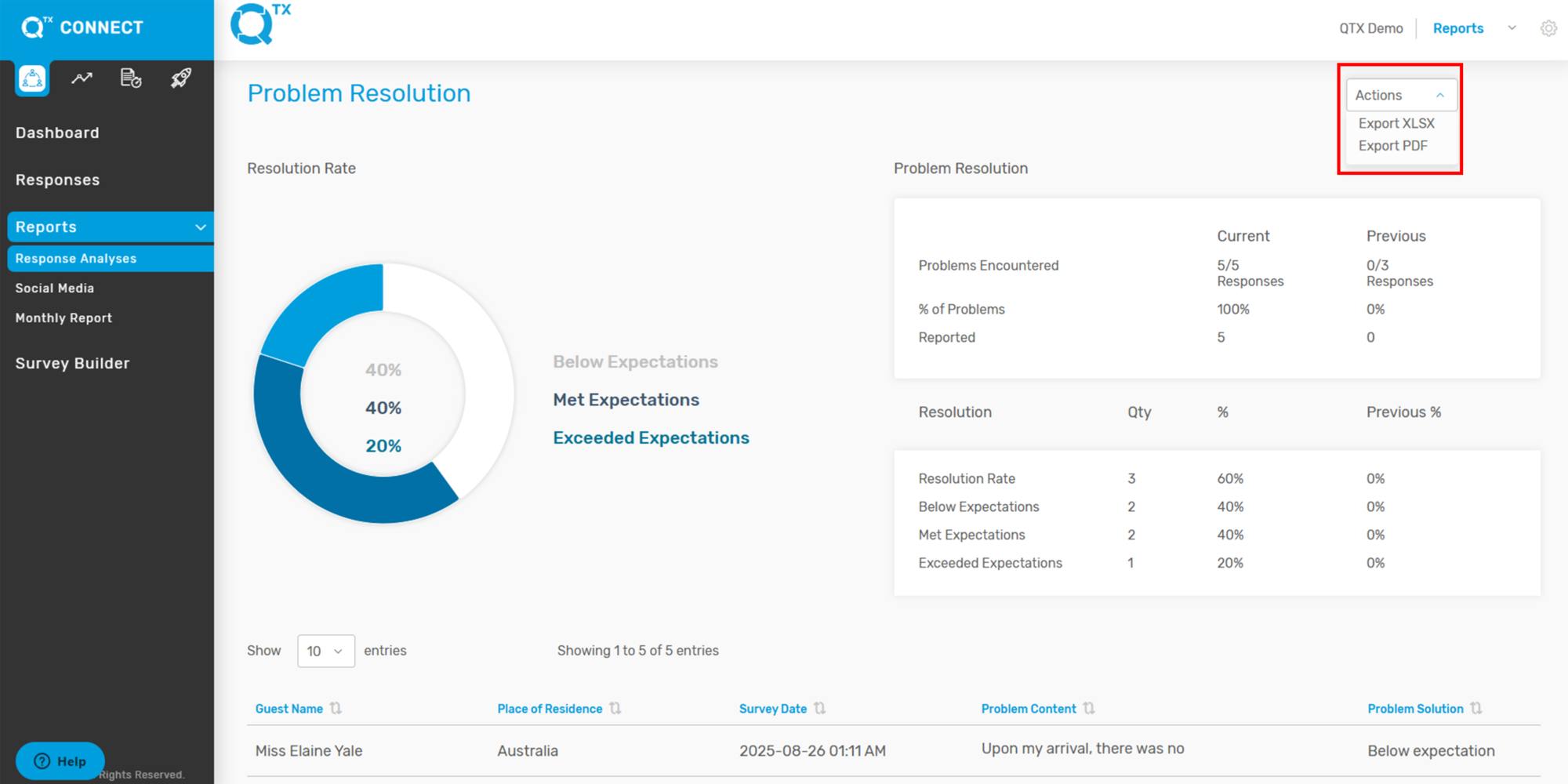
3. You can now click Actions to export the file in XLSX or PDF format. The exported file will then be displayed on your screen.
If you need further assistance, please send an email to helpdesk@qtx.com