
Location refers to the specific property or hotel where the tailor-made mystery shopping assessment takes place. This is the physical site selected to evaluate how well the service delivery aligns with brand standards and expectations. Each location is assessed individually to ensure the accuracy and relevance of the findings, helping management understand performance at the property level and identify opportunities for improvement.
1. On the Dashboard landing page, click the “QUALIFY” button to proceed.

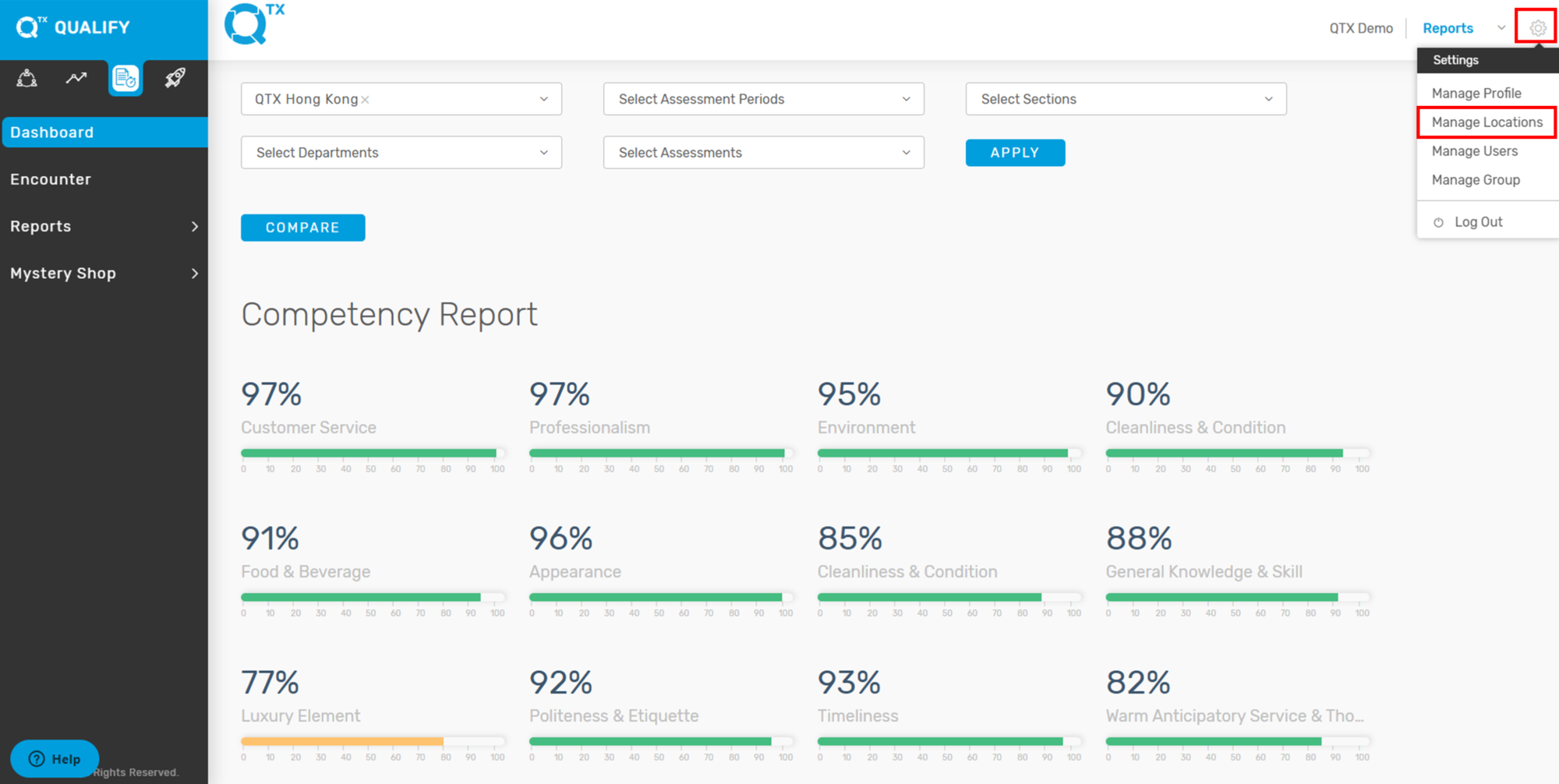
2. Click the settings icon in the top-right corner, then select ‘Manage Locations’.
3. The system will navigate to the ‘Location’ tab, where a list of Locations, Sections, and Departments will be displayed as shown below.

If you need further assistance, please send an email to helpdesk@q-tx.com