
This displays the number and percentage of missed standards for a department and/or section, based on the selected Assessment Name.
1. On the Dashboard landing page, click the “QUALIFY” button to proceed.

2. Click the “Reports” button, then select “Performance” from the dropdown menu to proceed.
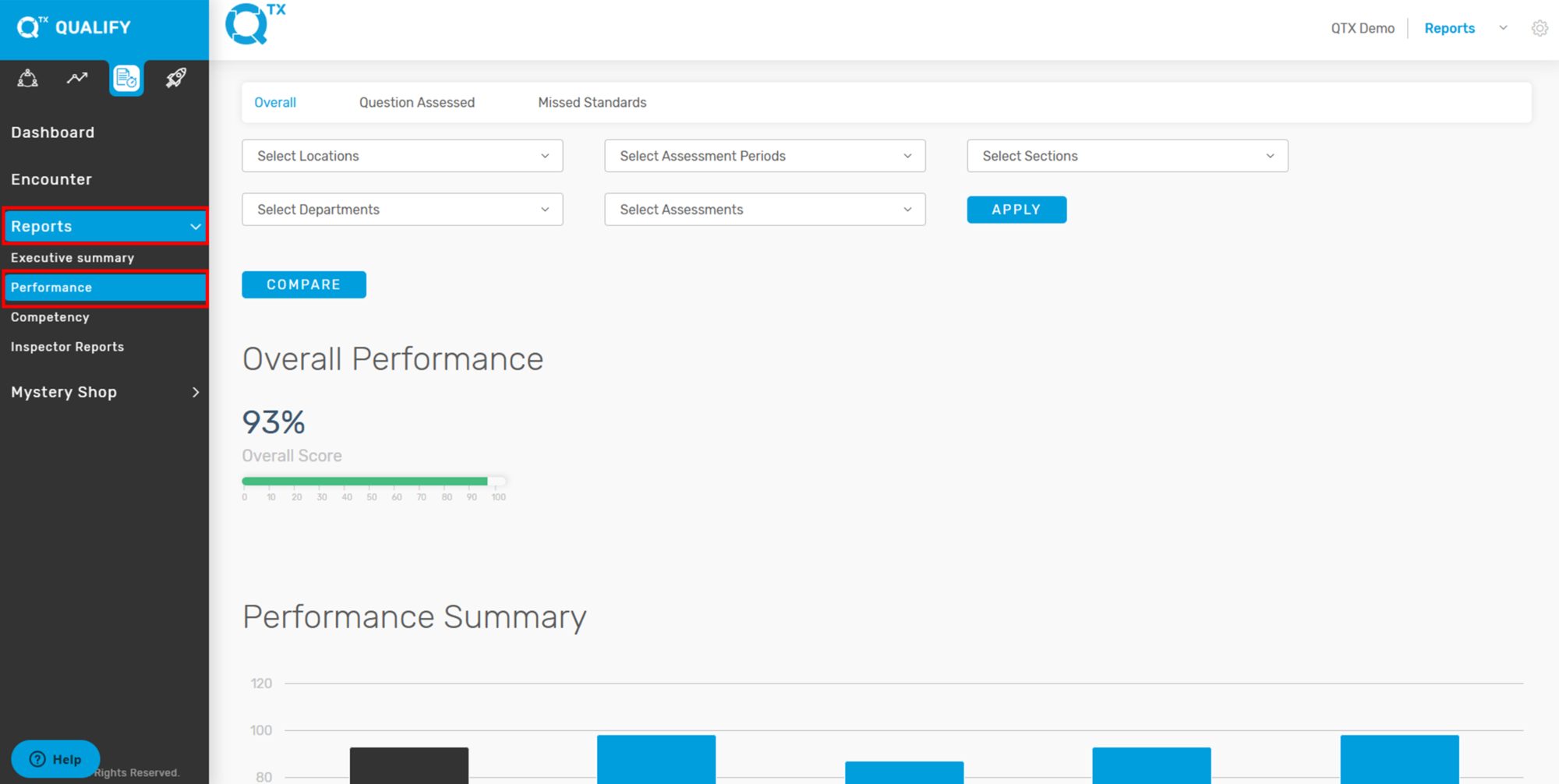
3. Click the “Missed Standards” tab to access the relevant section. Then, use the selection list to filter and choose the specific information you want to view. And click the “Apply” button.

4. The report will display the total of missed standards by number and percentage, based on the selected Assessment Name.

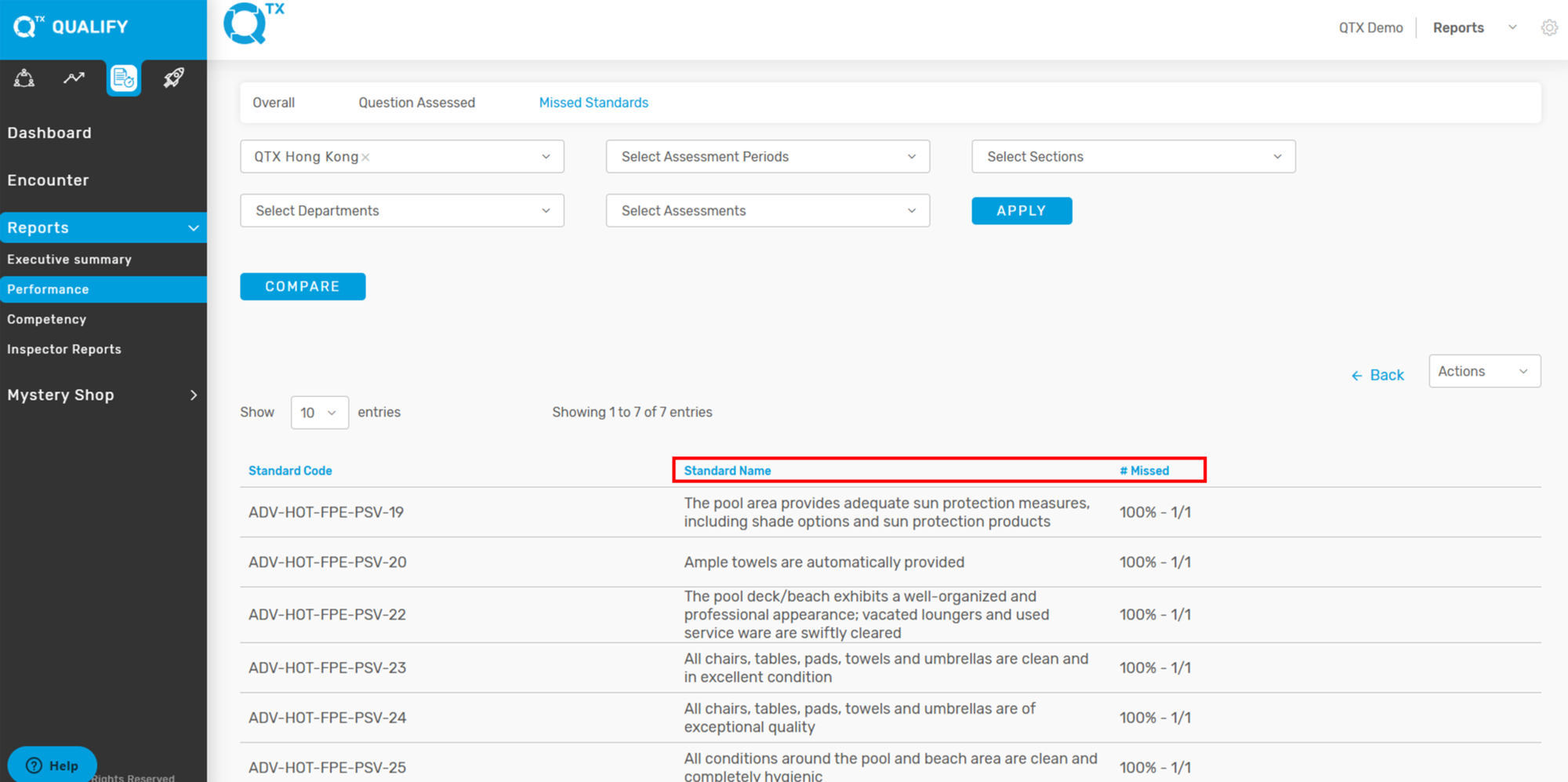
5. Click on any Assessment Name, and the list of missed standards per standard will be displayed as shown below.
If you need further assistance, please send an email to helpdesk@q-tx.com